Nixo · swipe photo cleaner · iPhone & Android
Clean your photo library with a swipe
Thousands of duplicates, screenshots and blurry shots eat up your storage. Nixo turns the boring chore into a fast game: swipe left to delete, right to keep. Full access is paid for on the website — Russian and international cards accepted.
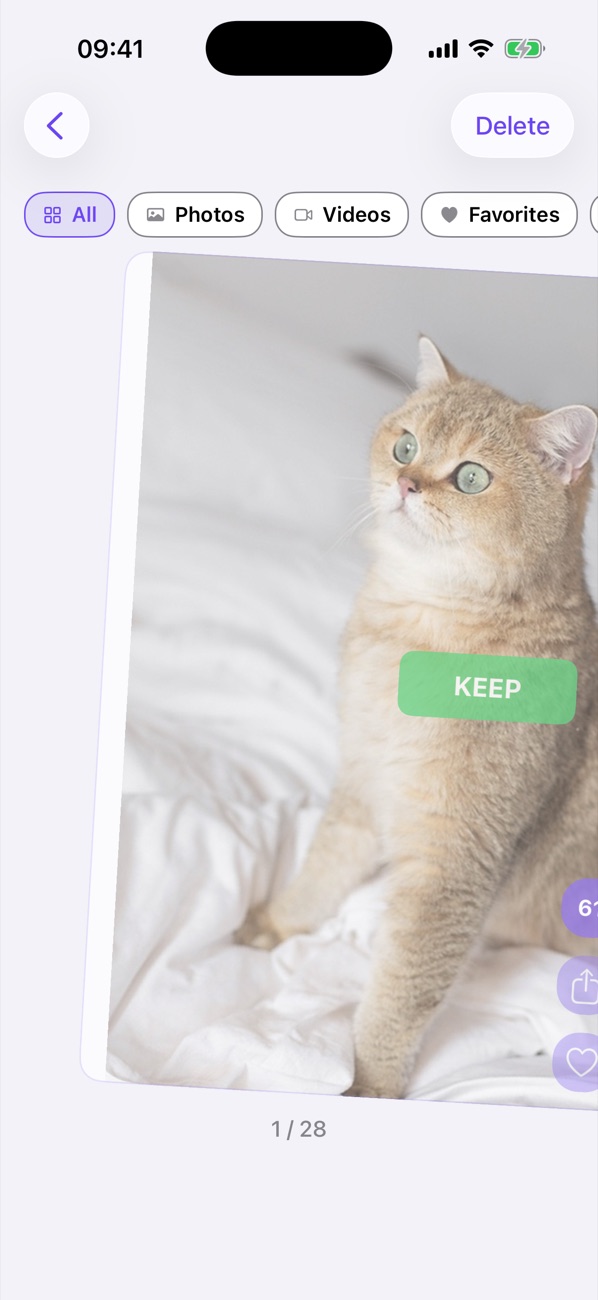
Left to delete, right to keep
No more ticking photos one by one — just swipes and a single confirmation at the end.
Swipe left
The photo goes to the trash — marked for deletion only, nothing is erased yet.
Swipe right
The photo stays in your gallery. Like it? Mark it as a favorite without leaving the flow.
Confirm once
At the end, one tap removes all the “bad” shots at once. Nothing is deleted without your confirmation.
Features
Everything you need to free up gigabytes in minutes.
Instant cleaning
Hundreds of unnecessary photos and videos in minutes — and gigabytes of free space for new moments.
Videos & screenshots
Separate filters for videos, screenshots and favorites — the heaviest files are found first.
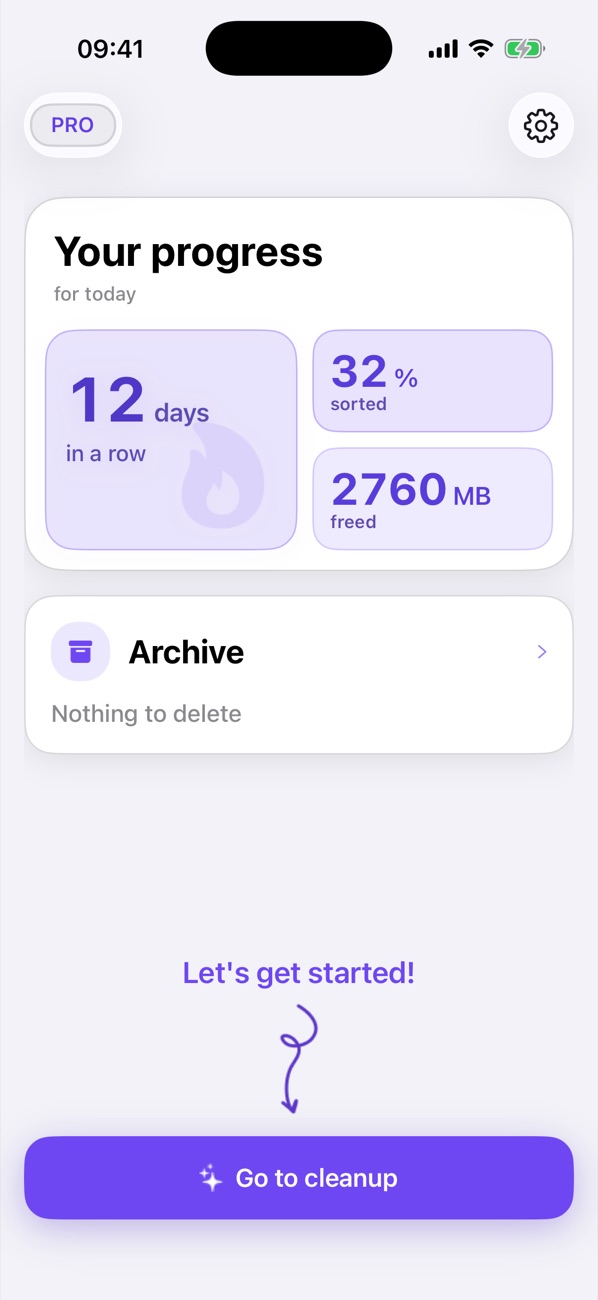
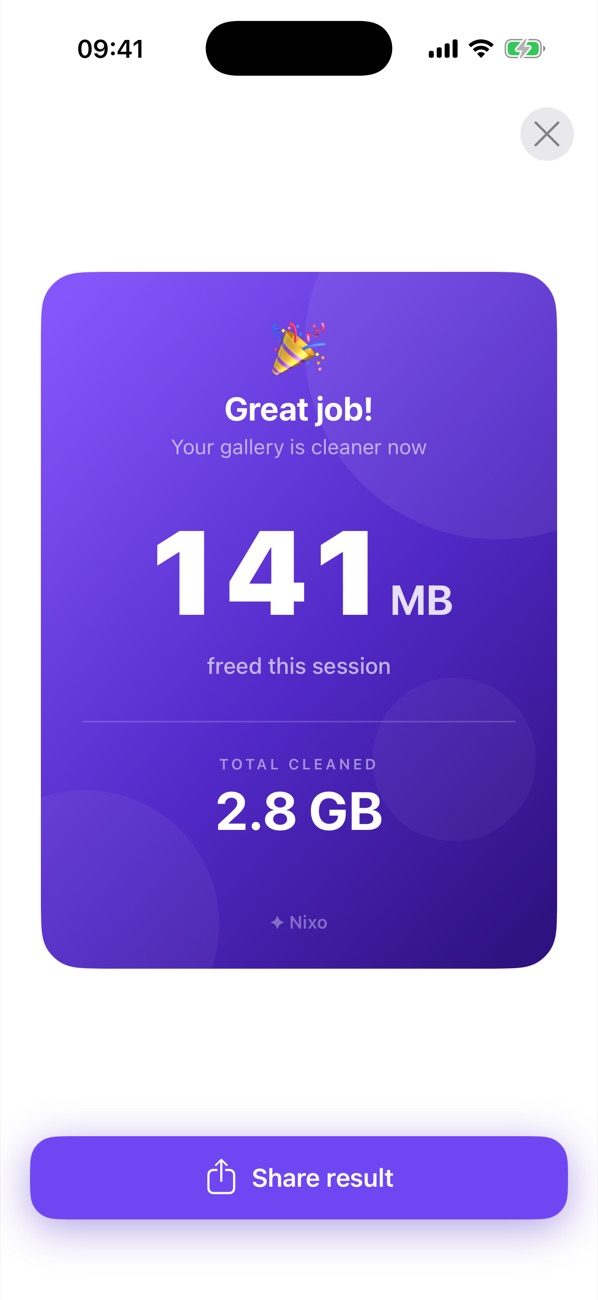
Space counter
The app counts how many megabytes you freed this session and all time.
Complete privacy
Your photos never leave the device: all processing happens locally, nothing is uploaded anywhere.
How it works
Three steps and Full Access is on. No sign-up, no accounts.
Pay on the website
Pick a plan, sign in with Apple (on Android — with Google) and pay with any card — Russian or international.
Install the app
Get Nixo from the App Store (or the Android APK) if you have not yet.
Sign in with Apple in the app
Settings → “Sign in with Apple” with the same Apple ID — Full Access turns on by itself. On Android, enter the code from the payment screen.
Nixo FAQ
What is Nixo?
Nixo (“Nixo: Swipe Photo Cleaner” on the App Store) is an iPhone and Android app that helps you clean up your camera roll and free up storage. Photos are shown one at a time: swipe left to delete, right to keep — like Tinder for your photos. Made by Artem Sharubin.
Will Nixo delete photos without asking?
No. Swiping left only marks a photo for deletion. Everything is deleted with one confirmation at the end of the session, and on iPhone deleted photos can still be restored from Recently Deleted for 30 days.
Are my photos uploaded anywhere?
No. All processing happens on your phone; photos and videos are never sent to a server.
How much does Nixo cost?
The app is free to download. Full Access — unlimited swipes, videos, screenshots and stats — is a subscription purchased on the website; current prices are on the payment page.
Is Nixo available for Android?
Yes. The Android version installs from the website as an APK, no Google Play needed: Nixo for Android (Android 11 or newer).
How do I pay for Full Access?
On the website, with any card — Russian or international. Step by step: how to get Nixo Full Access.